
After StaffingManager generates your job posting, review it before sending it for approval. This is your chance to fine-tune the language, confirm compensation and benefits details are accurate, and catch anything that needs to change.
To review and edit a job posting
-
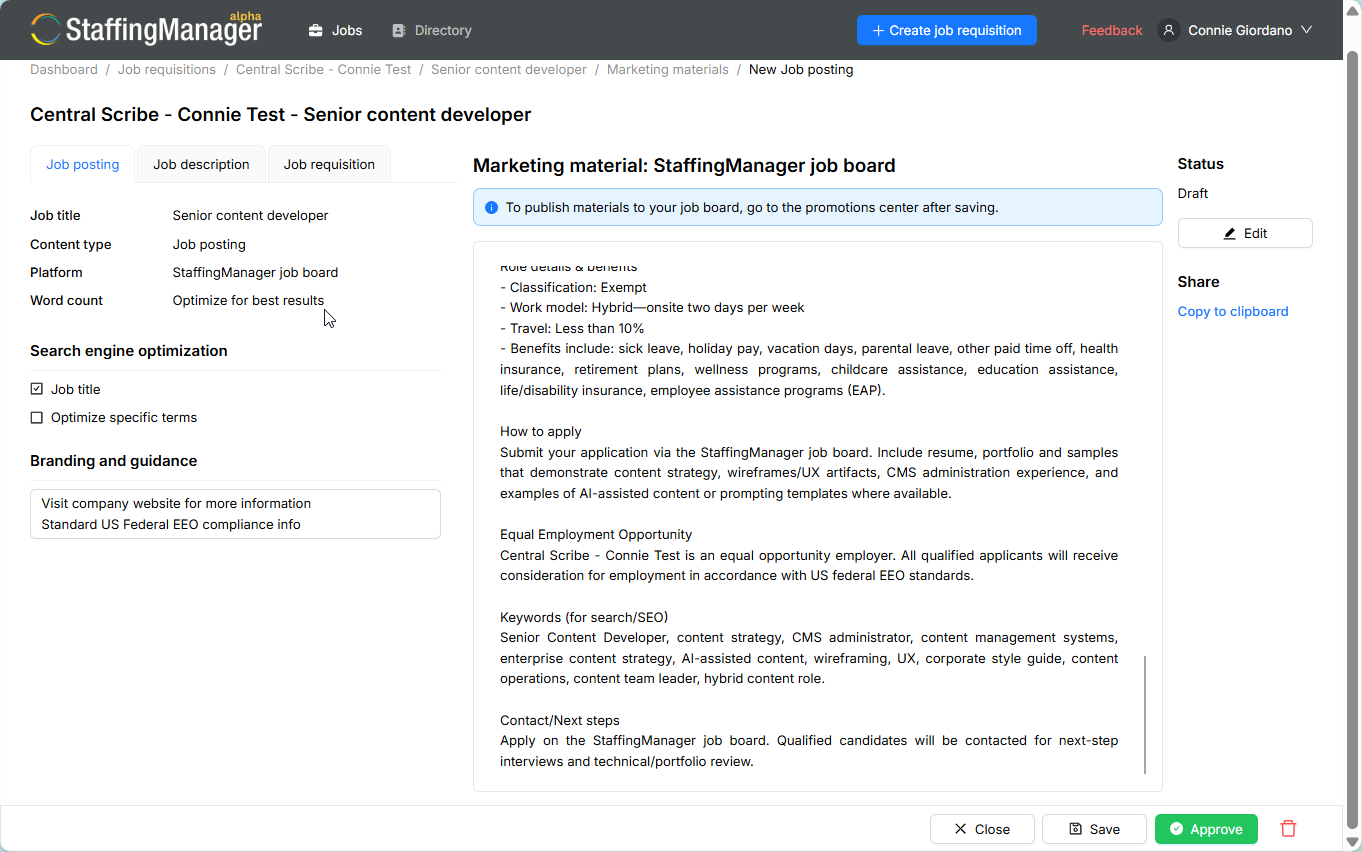
From the requisition's Marketing materials list, select the job posting you just created. It opens on the Job posting tab.
-
Read through the generated text, including the overview, compensation, work schedule, role purpose, qualifications, required skills, key responsibilities, benefits, and application notes.
-
To make changes, select Edit. The posting text becomes an editable text box.
-
Update any wording directly in the text box, such as correcting a company name, adjusting a benefit, or tightening a sentence.
-
Select Stop Editing when you're done, then select Save to keep your changes as a draft.
View ready-to-approve job posting
Note
A saved posting stays in Draft status until an owner or administrator approves it. You can keep editing and saving a draft as many times as you need.