
Every job posting requires approval before it can be published. This step is restricted to users with the owner or administrator role, so drafts created by other team members must be routed to one of them for sign-off.
Important
Only an owner or administrator can approve a job posting. If you don't see an Approve button, you don't have permission to complete this step. Ask an owner or administrator on your account to review and approve the posting.
To approve a job posting
-
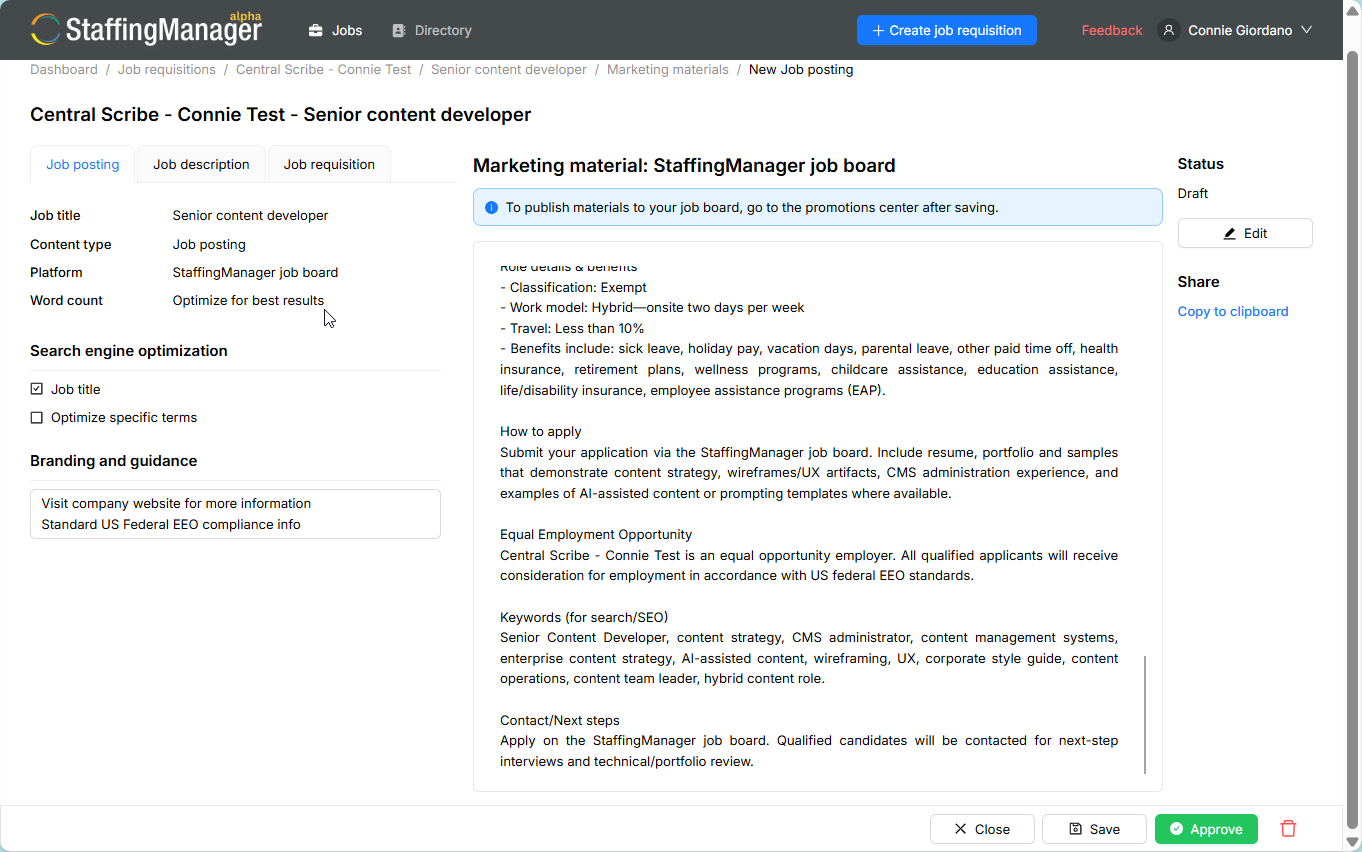
As an owner or administrator, go to the job requisition, select Marketing materials, then select the job posting awaiting approval.
-
Review the posting text one more time for accuracy, tone, and compliance language.
-
If everything looks correct, select Approve.
-
Confirm the Status field now reads Approved.
Approve the posting in the Posting detail screen
If you spot an issue after approving, select Reopen marketing material to send the posting back to Draft status so it can be edited and re-approved.
See Post to job boards for information on publishing a posting.