
Overview
Hiring processes often need more than one interview round. StaffingManager lets you add interview stages beyond what you originally selected in Choose assessment methods — for example, adding an interview #3 after interview #1 and interview #2 are already set up.
Steps
-
From the Candidate assessment preparation hub screen, click Edit assessment design.
-
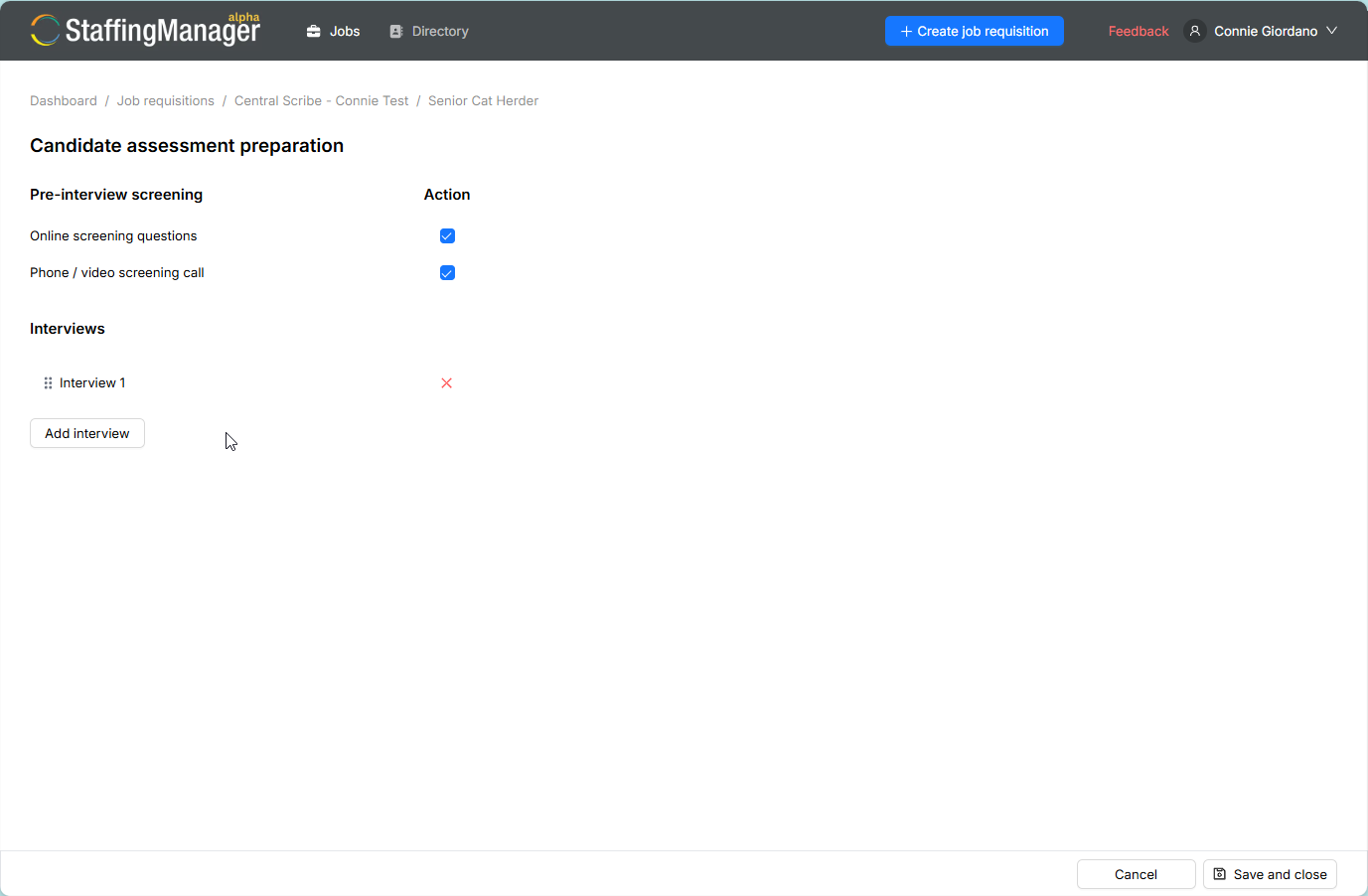
When the assessment preparation hub refreshes, click the Add interview button.
View the assessment preparation hub when editing the design
-
Name the new stage (e.g., Interview 3).
-
StaffingManager creates the new stage and takes you into its New interview questions screen — follow the same steps as Generate interview questions (AI-generated) or Create interview questions manually to build its question set.
-
Once configured and approved, the new stage appears in the hub list alongside your existing stages, each with its own independent status.