
Use this topic if you've forgotten your password, you're setting your password for the first time after accepting an invitation, or you simply want to change it.
View the password change screen
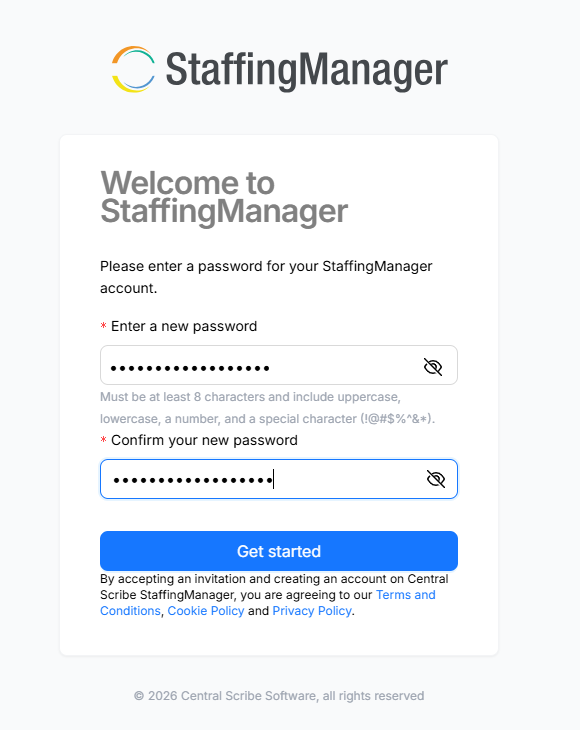
Request a password reset
-
Go to the StaffingManager login page.
-
Select Forgot password (located near the Password field).
-
Enter the email address associated with your account.
-
Check your email for a password reset link from StaffingManager and follow the instructions to create a new password.
-
Return to the login page and sign in with your new password.
|
First time logging in after an invitation? If you accepted an account invitation and weren't given a temporary password, use Forgot password with your invited email address to create your password — this is the expected first-time setup path, not an error. |
Change your password while logged in
If you already know your current password but want to change it:
-
Select your name in the top-right corner, or go to My Profile.
-
Scroll to the Security section.
-
Select Change password next to the Password field.
-
Follow the prompts to set a new password.
Your My Profile page also shows the date your password was last updated, so you can confirm a change went through.