Note: StaffingManager is currently in closed alpha release. You’ll need to ask to the join the waitlist and accept the invitation before you can log in and set up your user profile.
Joining the StaffingManager Waitlist
StaffingManager is in closed alpha, which means new organizations get access by joining a waitlist first. This topic explains what happens when you sign up and what to expect while you wait.
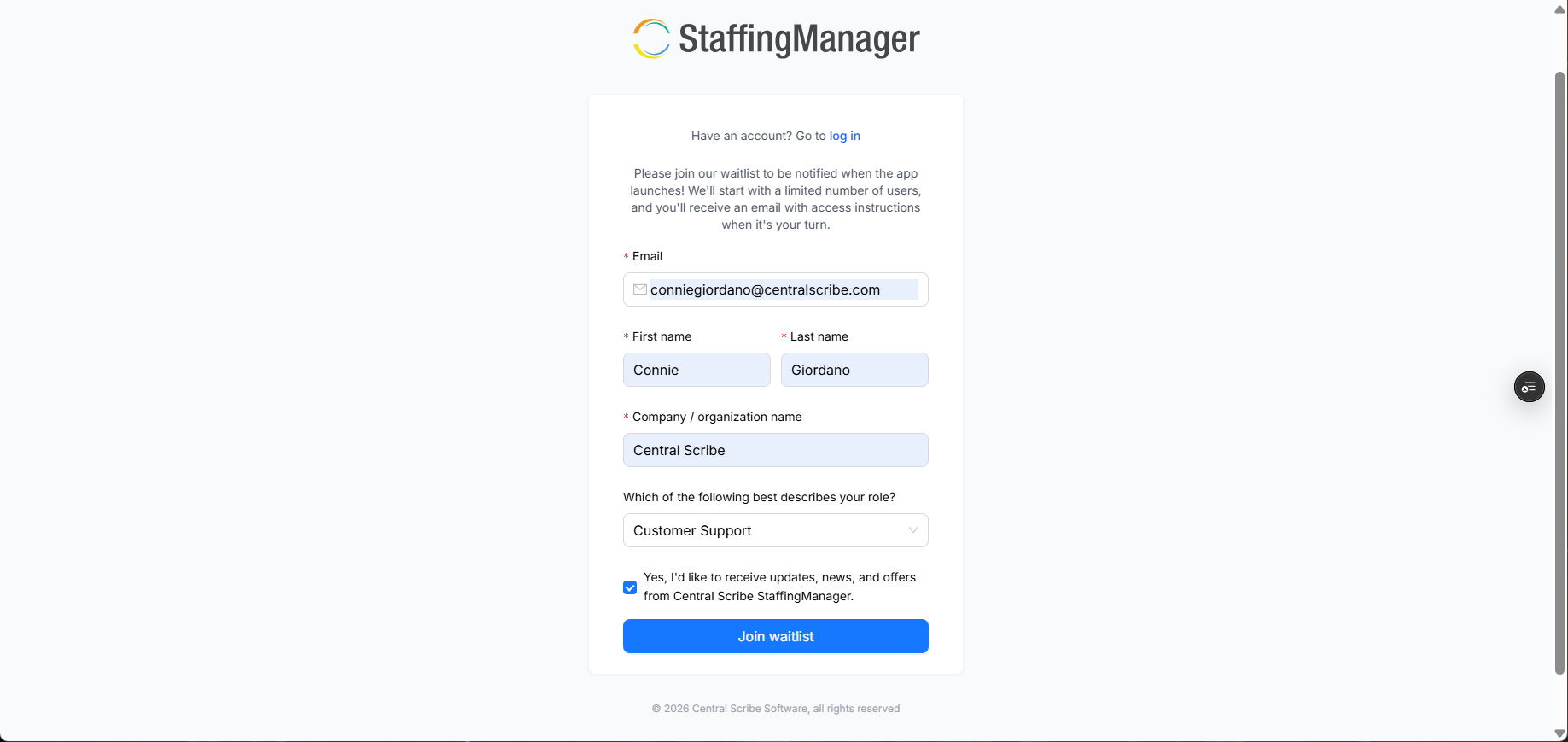
View the StaffingManager sign up screen
Sign up for the waitlist
-
Go to the StaffingManager waitlist page.
-
Enter your work email address and any other requested details.
-
Submit the form.
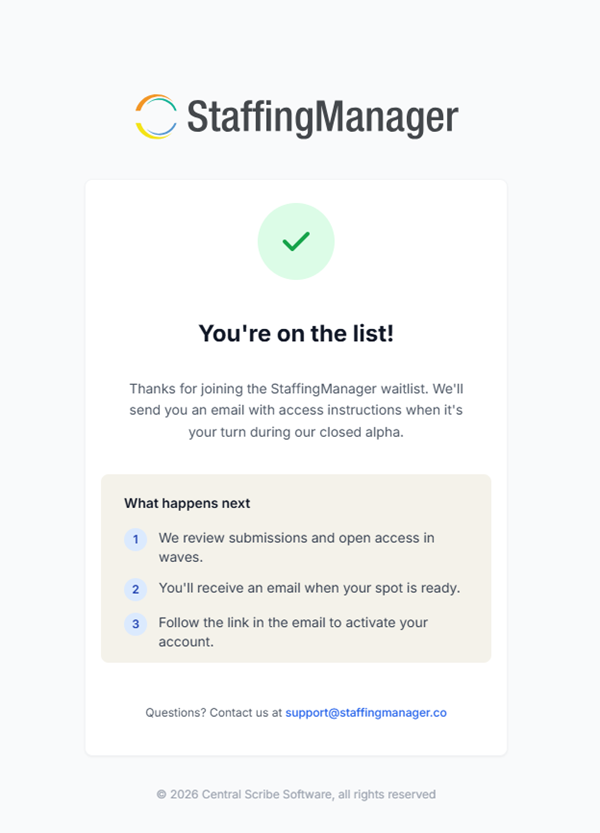
As soon as you submit the form, you'll see a confirmation page.
View the waitlist confirmation message
What happens next
After you join the waitlist, the StaffingManager team reviews submissions and opens access in waves. You don't need to do anything else — just watch your inbox.
-
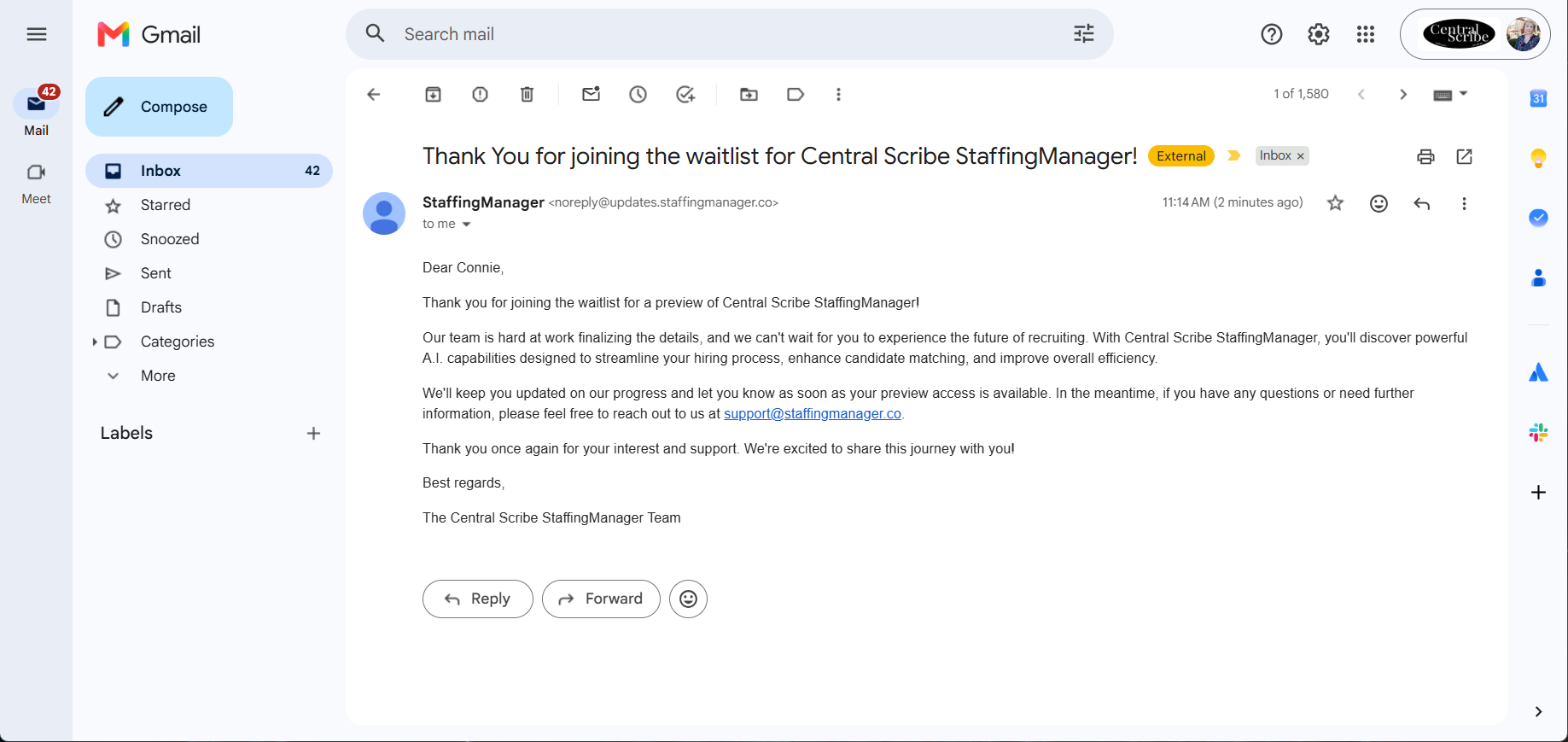
You'll receive a confirmation email thanking you for joining the waitlist.
-
When a spot opens up for your organization, you'll receive a second email with access instructions.
-
That email contains a link to activate your account. (See Logging In for the next step.)
Read the Waitlist confirmation email